
The Three-Renderer Rule: Mastering Parity in Programmatic Video
September 1, 2026 · By VideoFlowLearn why visual parity across browser, server, and DOM is critical for video automation, and how VideoFlow's three-renderer architecture solves it.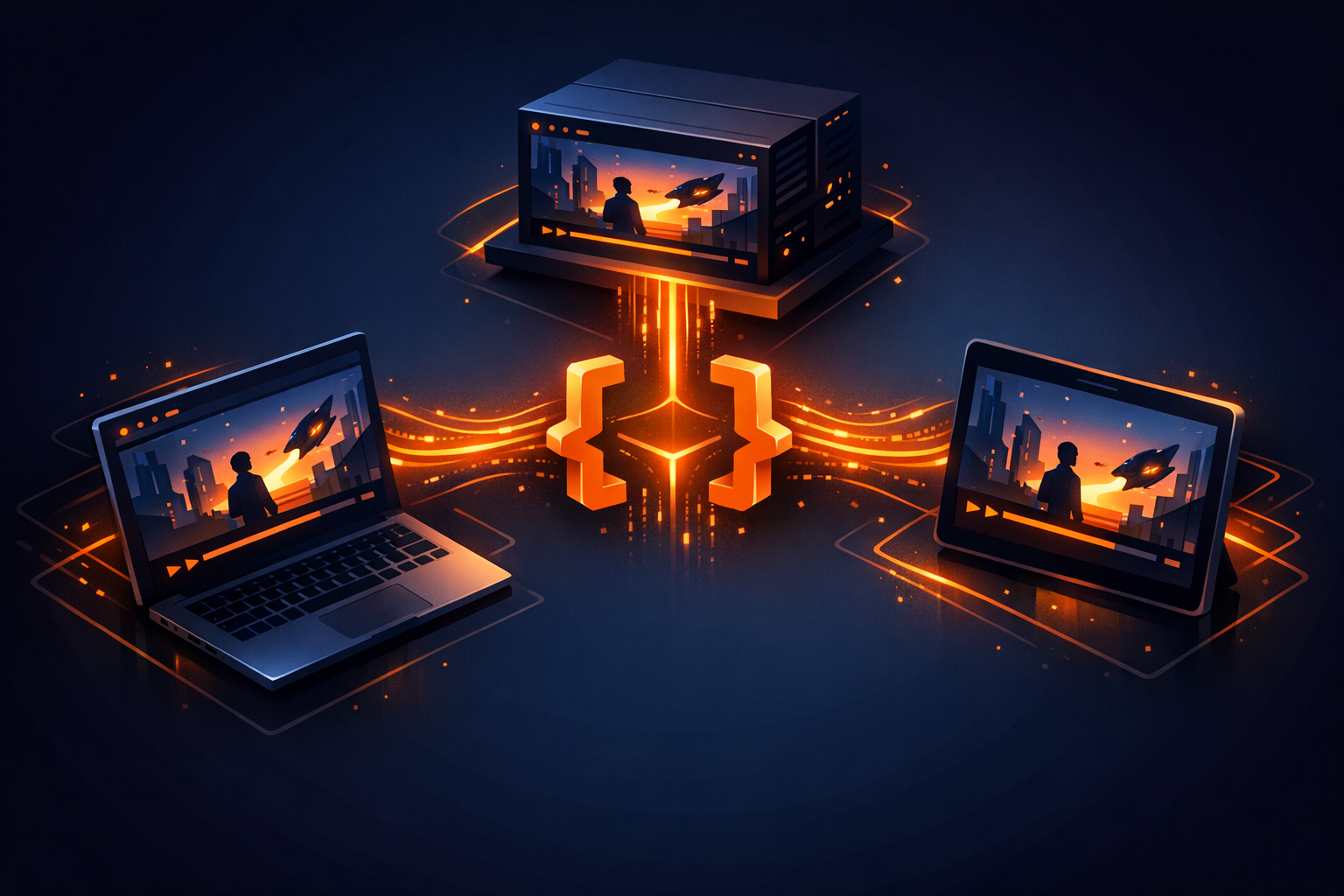
The Three-Renderer Rule: Mastering Parity in Programmatic Video
Building a video automation pipeline often starts with a simple goal: "I want to turn this data into an MP4." But as soon as you move from a prototype to a production-grade product, you hit the Parity Problem. The video you see in your preview window isn't exactly what the server renders, or the export logic in your browser tab uses a different engine than your headless Node.js worker.
This inconsistency is the silent killer of video-first SaaS products. It leads to misaligned captions, jittery transitions, and "it works on my machine" bugs that are notoriously hard to debug in a headless environment.
At VideoFlow, we solve this with The Three-Renderer Rule: one portable source of truth (VideoJSON) that renders byte-for-byte identical output across three distinct environments: the Browser, the Server, and the DOM.

Why Parity is the Hardest Part of Video-as-Code
Most video tools are built for a single environment. FFmpeg is a server-side powerhouse but doesn't run natively in a browser tab. Remotion is a brilliant React-based engine, but it couples your scene logic to a React runtime, making it difficult to generate videos from non-JS environments or store them as simple data.
When your preview engine (what the user sees) and your render engine (what produces the file) are different, you lose confidence. You can't guarantee that the blurResolve transition that looks smooth at 60fps in the editor will look the same when encoded to an MP4 on a Linux server.
The Three-Renderer Matrix
VideoFlow's architecture is built on the VideoJSON standard. Because the scene is described as data rather than code, we can build specialized renderers that interpret that data identically regardless of the underlying hardware.
1. @videoflow/renderer-dom: The Live Preview
This is your "What You See Is What You Get" (WYSIWYG) engine. It renders the timeline directly to the DOM at a frame-accurate 60fps. It’s what powers the VideoFlow Playground and our React Video Editor. It allows users to scrub through a timeline with zero latency, seeing exactly how effects like glow or chromaticAberration will look in the final cut.
2. @videoflow/renderer-browser: Zero-Cost Export
Why pay for server time when your user's machine can do the work? This renderer uses WebCodecs to encode MP4s directly in the user's browser tab. It’s perfect for client-side tools where privacy and cost-efficiency are paramount. Because it uses the same GLSL pipeline as the DOM renderer, the export is a perfect match for the preview.
3. @videoflow/renderer-server: The Headless Workhorse
For batch processing and background jobs, the server renderer runs in Node.js. It drives a headless Chromium instance via Playwright to ensure the rendering environment is identical to the browser. By default, it uses a WebCodecs + MediaBunny pipeline, meaning you can render professional videos without even having FFmpeg installed on your server.

Implementing Parity in 20 Lines
The beauty of the Three-Renderer Rule is that your authoring code never changes. You define your video using the @videoflow/core builder API, and then simply hand the compiled JSON to whichever renderer fits the current task.
import VideoFlow from '@videoflow/core';

const $ = new VideoFlow({ width: 1920, height: 1080, fps: 30 });

// 1. Author once
const title = $.addText({
  text: 'Parity Matters',
  fontSize: 8,
  color: '#FF5A1F',
  position: [0.5, 0.4]
});

title.fadeIn('500ms');
$.wait('2s');

const videoJson = await $.compile();

// 2. Render anywhere (Server-side example)
// import '@videoflow/renderer-server';
await $.renderVideo({
  outputType: 'file',
  output: './consistent-output.mp4'
});
Beyond the Basics: Cinematic Consistency
Parity isn't just about text and images; it's about the complex math of motion. VideoFlow ships with 27 transition presets (like glitchResolve and lightSweepReveal) and 42 GLSL effects (like bloom and vhsDistortion).
In older pipelines, these effects would behave differently based on the GPU or the browser version. VideoFlow's renderers share a unified GLSL compositor. Whether you are using a multiply blend mode on a shapeLayer or stacking a gaussianBlur on a video, the math remains constant across all three renderers.
Choosing the Right Renderer for Your Project
- Building a SaaS Editor? Use
@videoflow/renderer-domfor the timeline and@videoflow/renderer-browserfor the export button to keep your infrastructure costs at zero. Read more in our React Video Editor guide. - Building an Automated Content Factory? Use
@videoflow/renderer-serveron a Lambda or a dedicated VPS to churn through thousands of variations. See our server-side rendering guide for optimization tips. - Building a Hybrid Tool? Start with the DOM renderer for internal review, then switch to the server renderer for the final high-bitrate delivery.
Stop Guessing, Start Rendering
Video automation shouldn't feel like a gamble. By decoupling your scene logic into portable VideoJSON and utilizing the Three-Renderer Rule, you can build video products that are as reliable and testable as any other part of your stack.
Ready to see parity in action? Try the Playground, explore our Examples gallery, or dive into the source on GitHub to see how we're standardizing the way the world renders video.