
Video-as-Code: Unit Testing Visual Timelines with VideoFlow and Vitest
October 3, 2026 · By VideoFlowStop eyeballing your exports. Learn how to use VideoFlow and Vitest to build a robust unit testing suite for your programmatic video timelines.
Video-as-Code: Unit Testing Visual Timelines with VideoFlow and Vitest
Testing video content has historically been a manual, visual-heavy process. You render the file, open it in a player, and scrub through to ensure the text isn't cut off or the transition doesn't glitch. But when you are building a programmatic video factory—generating thousands of personalized clips or automated social updates—manual inspection doesn't scale.
Because VideoFlow treats video as data, we can move away from "eye-balling it" and toward a robust Video-as-Code paradigm. By combining the VideoFlow builder with a modern test runner like Vitest, you can unit test your visual timelines just like you test your business logic.
The "Video as Code" Paradigm
In a traditional video workflow, the source of truth is a binary project file (like an .aep or .prproj). In VideoFlow, the source of truth is TypeScript. Your video is a sequence of function calls that compile into a portable, predictable VideoJSON document.
This portability is the key to testing. You don't need to render a 4K MP4 just to verify that a title appears at the 2-second mark. You can simply inspect the compiled JSON structure. Since one JSON renders identically across three official renderers, if the data is correct, the output will be correct.

Setting Up Vitest with VideoFlow
Setting up a testing environment for VideoFlow is straightforward. Since @videoflow/core is a pure TypeScript library, it runs in any standard Node.js or Vitest environment without extra configuration.
import { describe, it, expect } from 'vitest';
import VideoFlow from '@videoflow/core';

describe('Video Timeline Logic', () => {
  it('should place the title in the center of the screen', async () => {
    const $ = new VideoFlow({ width: 1920, height: 1080 });

    $.addText({
      text: 'Unit Testing Rocks',
      position: [0.5, 0.5],
    });

    const json = await $.compile();
    const textLayer = json.layers.find(l => l.type === 'text');

    expect(textLayer.properties.position).toEqual([0.5, 0.5]);
  });
});
In this example, we aren't rendering anything. We are verifying that our builder logic correctly translated our intent into the underlying data model. This is extremely fast—hundreds of these tests can run in seconds.
Assertion Strategies: Testing the VideoJSON
When testing complex timelines, you should focus on three specific areas: Timing, Layout, and Animations.
1. Timing Assertions
One of the most common bugs in automated video is overlapping audio or layers that disappear too early. You can use VideoFlow's $.wait and $.parallel primitives and then assert on the resulting startTime and duration in the JSON.
it('should ensure the background music lasts for the whole video', async () => {
  const $ = new VideoFlow();
  $.addAudio({}, { source: 'music.mp3' });
  $.wait('10s');

  const json = await $.compile();
  const audio = json.layers.find(l => l.type === 'audio');

  // Verify the audio layer spans the full 10 seconds
  expect(audio.settings.startTime).toBe(0);
  expect(audio.settings.sourceDuration).toBe(10);
});
2. Animation Keyframes
If you have a complex branding animation, you want to ensure the easings and values are exactly as specified. You can find these in the animations array of each layer.
it('should have a 500ms fade-in animation', async () => {
  const $ = new VideoFlow();
  const title = $.addText({ text: 'Fade Me' });
  title.fadeIn('500ms');

  const json = await $.compile();
  const titleLayer = json.layers[0];
  const opacityAnim = titleLayer.animations.find(a => a.property === 'opacity');

  expect(opacityAnim.keyframes).toHaveLength(2);
  expect(opacityAnim.keyframes[1].time).toBe(0.5); // 500ms in seconds
});
Integration Tests: Verifying Renders
While JSON assertions cover 90% of use cases, sometimes you need to verify that the final MP4 actually looks right. This is where the @videoflow/renderer-server package comes in. Because it uses headless Chromium, you can run it in your CI/CD pipeline to perform "visual regression" tests.
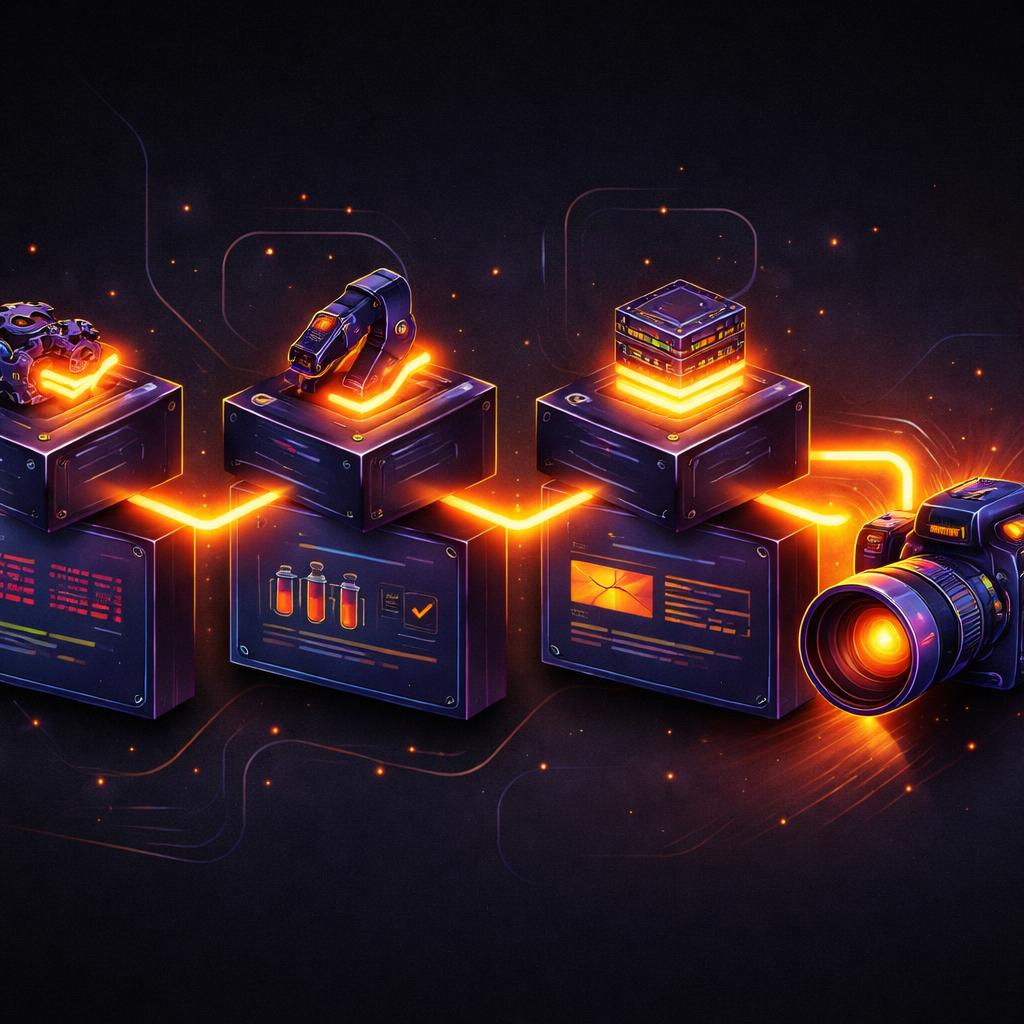
Instead of comparing the whole video, a common pattern is to export a single frame at a specific timestamp and compare it against a 'golden' master image using a tool like pixelmatch.
import '@videoflow/renderer-server';

it('should render the brand logo correctly at 5 seconds', async () => {
  const $ = new VideoFlow();
  // ... build video ...

  const frameBuffer = await $.renderFrame({
    time: '5s',
    format: 'png'
  });

  // Compare frameBuffer against a known good baseline
  expect(frameBuffer).toMatchImageSnapshot();
});
How VideoFlow Handles This
VideoFlow was built from the ground up for automation. Unlike other tools that rely on proprietary binary formats or complex React component trees, VideoFlow's core philosophy is that Video is Data.
- @videoflow/core: The fluent builder makes it easy to construct complex logic that is naturally testable.
- @videoflow/renderer-server: Our Node.js renderer allows for rendering MP4s without FFmpeg, making it lightweight enough to run in Github Actions or Gitlab CI.
- Open Source: The core and all renderers are Apache-2.0, meaning you can integrate them into your testing infrastructure without worrying about seat-based licensing or cloud costs.
If you want to try building your own testable timelines, the VideoFlow Playground is the best place to start. You can see the real-time VideoJSON output as you code, which is exactly what you'll be asserting against in your tests.
Conclusion
Moving video production into the software engineering lifecycle means bringing along the best practices of software engineering: version control, code reviews, and most importantly, automated testing. By treating your videos as code, you eliminate the fear of breaking a layout when you update a library or change a data source.
Ready to build more reliable video pipelines? Check out our Getting Started guide or explore the source code on GitHub to see how we test VideoFlow itself.