
One JSON, Three Renderers: Building a Seamless Video Pipeline with VideoFlow
October 3, 2026 · By VideoFlowLearn how VideoFlow’s portable VideoJSON and specialized renderers enable a seamless video pipeline across the browser, server, and live previews.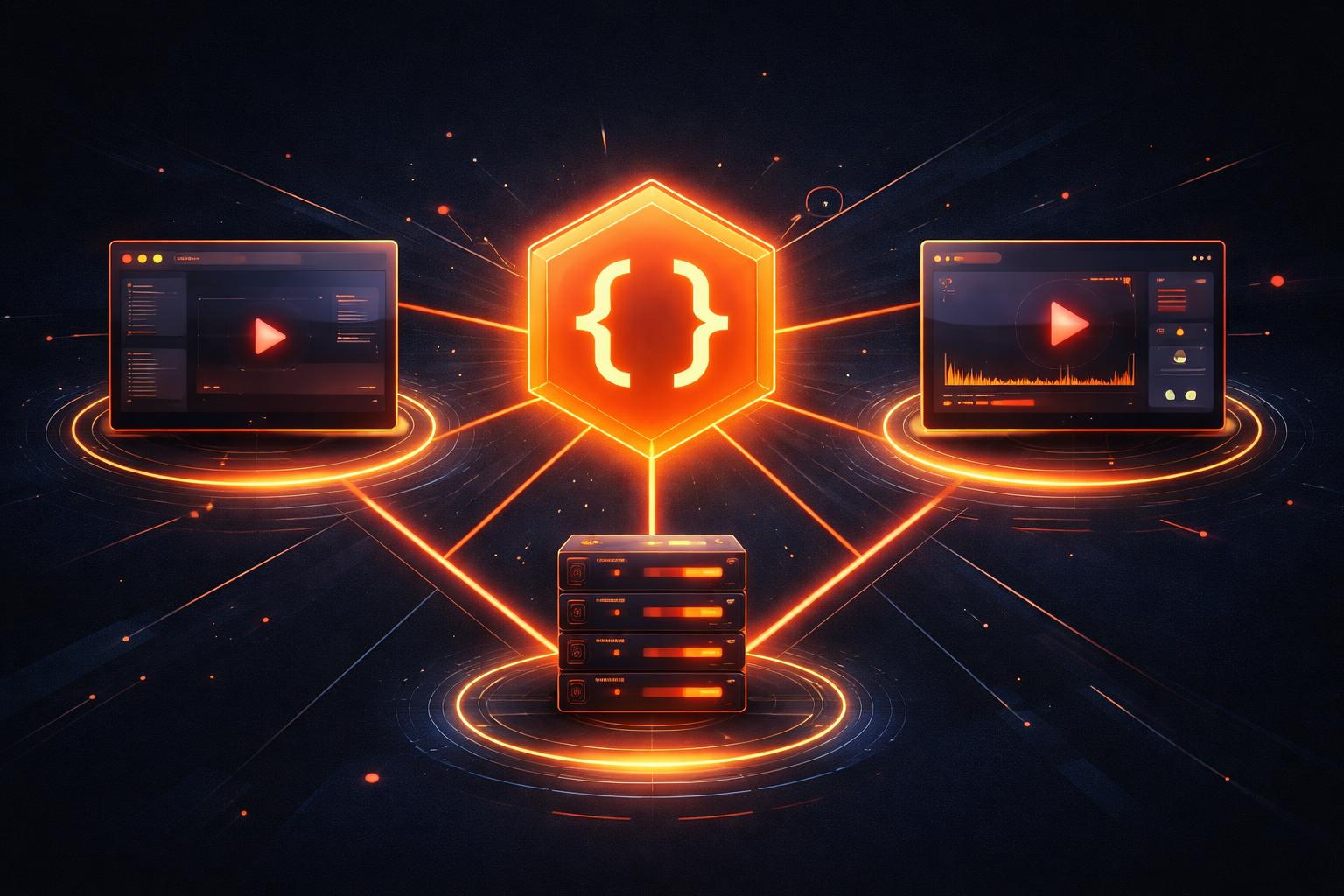
One JSON, Three Renderers: Building a Seamless Video Pipeline with VideoFlow
The gap between "I can see it in my browser" and "I have a file on my server" is where most video automation projects die. Traditionally, building a video pipeline meant juggling disparate technologies: a canvas-based preview for your UI, a complex FFmpeg script for your backend, and a prayer that the two would produce something remotely similar.
If you've ever tried to sync a React animation with a headless server render, you know the pain of frame drifts, missing fonts, and inconsistent easing. VideoFlow was built to solve this by introducing a single, portable source of truth: VideoJSON.

The Portability of VideoJSON
At the heart of VideoFlow is the core builder API. Instead of defining a video as a sequence of side-effects or a DOM tree, you define it as a serializable data structure. When you call $.compile(), VideoFlow resolves all your timings, animations, and media metadata into a flat JSON document.
This document is resolution-agnostic. Because we use em units (where 1em = 1% of project width), a single VideoJSON file can be rendered at 720p for a quick preview and 4K for final delivery without changing a single line of code. This portability is what makes it the perfect format for programmatic video and LLM-driven pipelines.
The Three-Renderer Rule
One of the most powerful features of VideoFlow is its suite of official renderers. All three consume the exact same VideoJSON and are guaranteed to produce byte-for-byte identical visual output. This allows you to build a video pipeline that follows the natural lifecycle of a creative project:
- Live Preview (
@videoflow/renderer-dom): Use this for real-time, frame-accurate scrubbing in your web app. It’s perfect for building internal tools or embeddable editors. - In-Tab Export (
@videoflow/renderer-browser): When a user hits "Save," you can render the final MP4 directly in their browser using WebCodecs. This eliminates server costs and upload wait times for client-side content. - Headless Server Render (
@videoflow/renderer-server): For batch jobs, scheduled social posts, or heavy automation, the Node.js renderer drives headless Chromium to produce professional-grade MP4s on the backend.
Building the Pipeline in Code
Let’s look at how simple it is to construct a scene that is ready for this multi-renderer workflow. We’ll create a hero section with a background image and a cinematic text reveal using our built-in transition presets.
import VideoFlow from '@videoflow/core';

const $ = new VideoFlow({ width: 1920, height: 1080, fps: 30 });

// 1. Add a background image with a slow blur animation
const bg = $.addImage(
  { fit: 'cover', opacity: 0.8 },
  { source: 'https://images.unsplash.com/photo-1618005182384-a83a8bd57fbe' }
);

bg.animate(
  { filterBlur: 0 },
  { filterBlur: 0.5 }, // 0.5em = 0.5% of width
  { duration: '5s', wait: false }
);

// 2. Add a title with a cinematic transition
const title = $.addText(
  {
    text: 'THE FUTURE OF VIDEO',
    fontSize: 8,
    color: '#FF5A1F',
    fontWeight: 900
  },
  {
    transitionIn: { transition: 'scrambleDecode', duration: '1s' }
  }
);

$.wait('4s');
title.fadeOut('1s');

// 3. Compile to VideoJSON
const videoData = await $.compile();
Once you have videoData, you can send it anywhere. You could store it in a database, send it over a WebSocket to a preview client, or POST it to a serverless function for rendering.

How VideoFlow Handles the Complexity
Under the hood, VideoFlow manages the heavy lifting of media synchronization and asset loading.
@videoflow/corehandles the time-math. It converts your$.waitand.animatecalls into a deterministic timeline where every property is a function of time.@videoflow/renderer-serveruses a specialized MediaBunny bridge to pipe frames from Chromium into an MP4 container without requiring a local FFmpeg installation by default. This makes it incredibly easy to deploy to environments like AWS Lambda or Vercel.@videoflow/renderer-browserleverages the modern WebCodecs API to perform hardware-accelerated encoding directly in the user's browser tab.
By decoupling the description of the video from the rendering of the video, you gain a level of flexibility that traditional tools can't match. You can start building in the Playground to test your ideas and move to a full-scale headless video rendering architecture in minutes.
Conclusion
A modern video pipeline shouldn't be a fragile chain of shell scripts and manual exports. With VideoFlow, video becomes just another piece of your application's data layer. Whether you're building a personalized video platform, an automated social media factory, or a new kind of creative tool, our official renderers ensure that your vision looks the same everywhere it's seen.
Ready to build? Check out our Getting Started guide, explore the source on GitHub, and start rendering today.