
VideoFlow vs. Remotion: Why Portable JSON is the Future of Video-as-Code
October 3, 2026 · By VideoFlowDiscover why VideoFlow's portable JSON architecture and Apache-2.0 licensing offer a more flexible, cost-effective alternative to Remotion for programmatic video.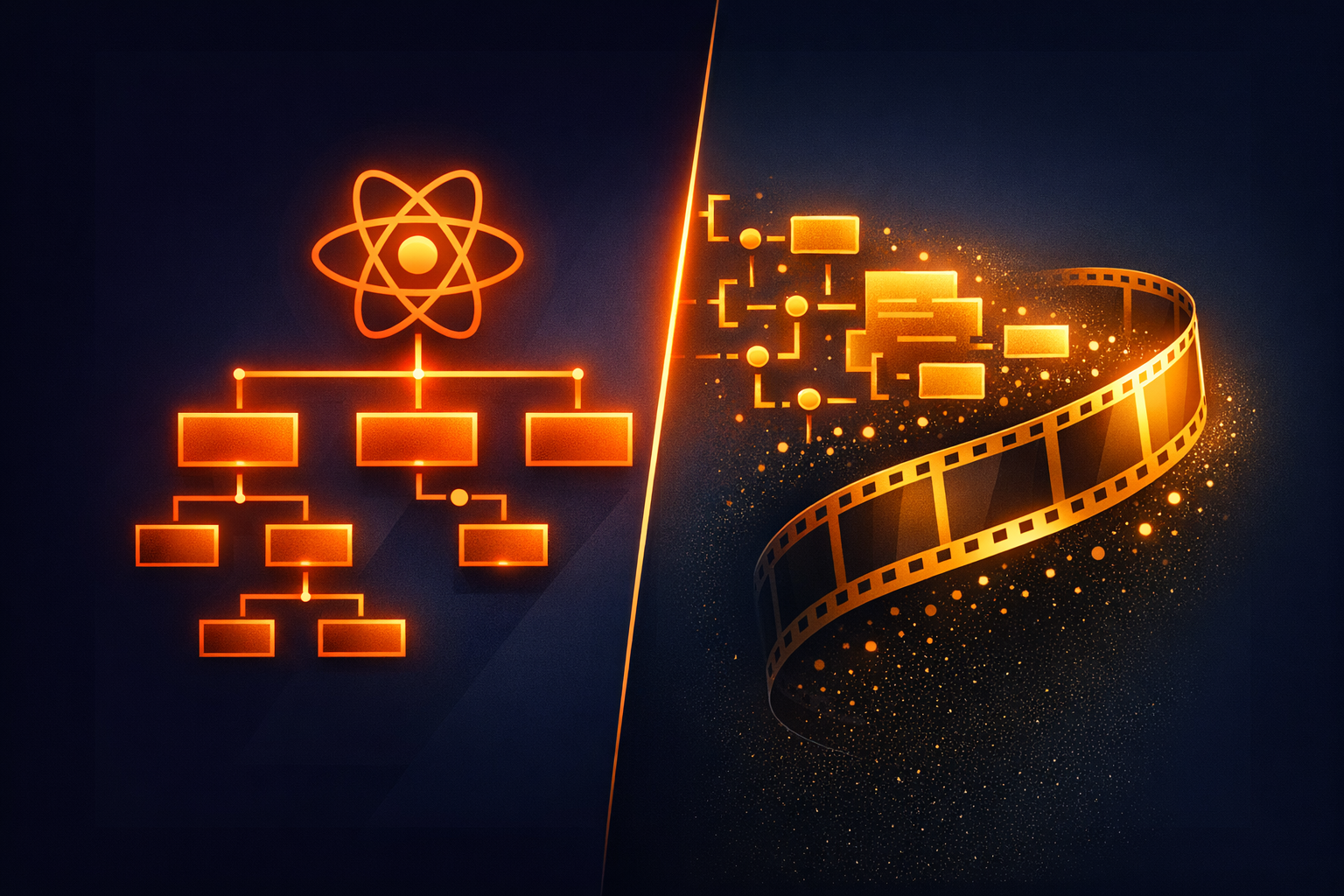
VideoFlow vs. Remotion: Why Portable JSON is the Future of Video-as-Code
If you’ve spent any time in the "video-as-code" space, you’ve likely encountered Remotion. It’s a powerful tool that brought React’s component model to video editing. But as the ecosystem matures, a fundamental architectural question is emerging: should a video be a React component tree, or should it be data?
At VideoFlow, we’ve bet on the latter. While Remotion couples your video logic to a specific UI framework and its runtime, VideoFlow treats videos as portable, framework-agnostic JSON. This isn't just a technical detail—it's a shift that changes how you build, scale, and automate video production.
The Coupling Problem: React vs. Data
The core difference in the VideoFlow vs Remotion debate starts with the source of truth. In Remotion, your video is a React application. To render it, you need a React runtime. This works beautifully for developers who are already in the React ecosystem, but it introduces significant friction for everyone else.
If you want to generate a video from a Python backend or a Go service, you’re stuck invoking a Node.js process that spins up a full React environment. You are effectively "trapped" in the framework.
VideoFlow takes a different approach. Our @videoflow/core library is a fluent TypeScript builder that compiles your intent into a single, portable VideoJSON document.
import VideoFlow from '@videoflow/core';

const $ = new VideoFlow({ width: 1080, height: 1920 });

// Add a background
$.addImage({ fit: 'cover' }, { source: 'https://assets.example.com/bg.jpg' });

// Add a title with a transition
const title = $.addText({
  text: 'Portable Video',
  fontSize: 8,
  color: '#FF5A1F',
  position: [0.5, 0.4]
});

title.fadeIn('600ms');
$.wait('3s');

const json = await $.compile();
Because the output is just JSON, it is inherently portable. You can store it in a Postgres JSONB column, version-control it with Git, or send it across the wire to any consumer. You don’t need React to understand what a VideoFlow video is; you just need to be able to parse JSON.

One JSON, Three Renderers
One of the biggest advantages of a JSON-first architecture is the ability to decouple what the video is from how it is rendered. Remotion is primarily a server-side rendering tool that uses Puppeteer to take screenshots of a React app.
VideoFlow provides three official, Apache-2.0 licensed renderers that all consume the exact same VideoJSON:
@videoflow/renderer-browser: Generates MP4s directly in the user's browser using WebCodecs. This is "zero-cost" rendering—you don't pay for server time, and user data never leaves their device.@videoflow/renderer-server: A headless Chromium-based renderer for Node.js. It’s optimized for speed and can render without an FFmpeg dependency by default.@videoflow/renderer-dom: A frame-accurate, 60fps live preview renderer.
This "One JSON, Three Renderers" rule means you can build a video in our Playground, preview it in your own React app using the DOM renderer, and then export it either on the client or the server using the exact same source of truth.
Licensing: Open Source vs. Commercial
For many teams, the choice between VideoFlow and Remotion comes down to the "Business Logic." Remotion's core is proprietary and requires a paid license for most commercial organizations.
VideoFlow is committed to being a truly open-source toolkit. The core builder and all three renderers are licensed under Apache-2.0. This means you can embed VideoFlow into your commercial SaaS, modify it, and scale it without ever worrying about a "per-seat" or "per-render" license fee for the engine itself.
We do offer a premium, dual-licensed component—the @videoflow/react-video-editor. It's a full-featured, multi-track timeline editor that you can drop into your app. But even then, it's free for individuals, non-profits, and small teams (up to 3 employees). The engine that actually makes the videos remains free for everyone, forever.

How VideoFlow Handles Portability
The magic happens in the VideoFlow Core. When you use the fluent API, you aren't just calling functions; you are building an abstract syntax tree of your video.
When you call $.compile(), VideoFlow resolves all your relative timings, handles media probing (getting the duration of your source videos), and flattens your logic into the VideoJSON schema. This schema includes:
- Layer Definitions: Text, images, videos, and shapes.
- Animations: Keyframe-based property changes with easings like
easeInorstep. - Effects: A stack of GLSL-powered effects (we ship with 42 presets like
bloomandvhsDistortion). - Transitions: Cinematic entries and exits like
blurResolveandlightSweepReveal.
By moving the complexity into the schema, we make the renderers "dumb" and predictable. They don't need to execute arbitrary JavaScript; they just need to draw the state defined in the JSON for any given frame.
Conclusion: Which Should You Choose?
If you are building a simple video component that only ever needs to live inside a React app, Remotion is a fantastic piece of engineering.
However, if you are building a programmatic video pipeline, an automated content factory, or a SaaS product where users need to edit and export videos, VideoFlow offers a more flexible and cost-effective path. By choosing VideoFlow over Remotion, you gain:
- Framework Independence: Your videos are data, not code.
- Zero-Cost Export: Use the browser's hardware to render MP4s.
- True Open Source: Apache-2.0 core and renderers.
Ready to see the difference for yourself? Head over to our Docs to get started, or explore the GitHub repository to see how we're building the future of video-as-code. For a deeper look at how the JSON architecture works across different environments, check out our post on One JSON, Three Renderers.