
Mastering Motion: A Deep Dive into VideoFlow Transitions and Easing
May 22, 2026 · By VideoFlowUnlock cinematic quality in your programmatic videos. Learn how to master VideoFlow transitions and easing functions to create professional motion graphics with code.
Mastering Motion: A Deep Dive into VideoFlow Transitions and Easing
Most programmatic video looks like a sequence of static frames glued together. It’s functional, but it lacks the "soul" of professional motion graphics. When you watch a high-end explainer video or a cinematic trailer, it’s not just about the content on screen—it’s about how that content arrives, moves, and departs.
In the world of VideoFlow, motion isn't an afterthought. It's a first-class citizen baked into the core builder API. By mastering the dual pillars of transitions and easing, you can transform dry data-driven renders into fluid, cinematic experiences that rival hand-crafted After Effects projects.
The Anatomy of a VideoFlow Transition
Unlike lower-level tools where you might have to manually interpolate opacity and scale over a range of frames, VideoFlow ships with 27 built-in transition presets. These aren't just simple fades; they are sophisticated GLSL-powered patterns that handle the heavy lifting of spatial and temporal transformation.
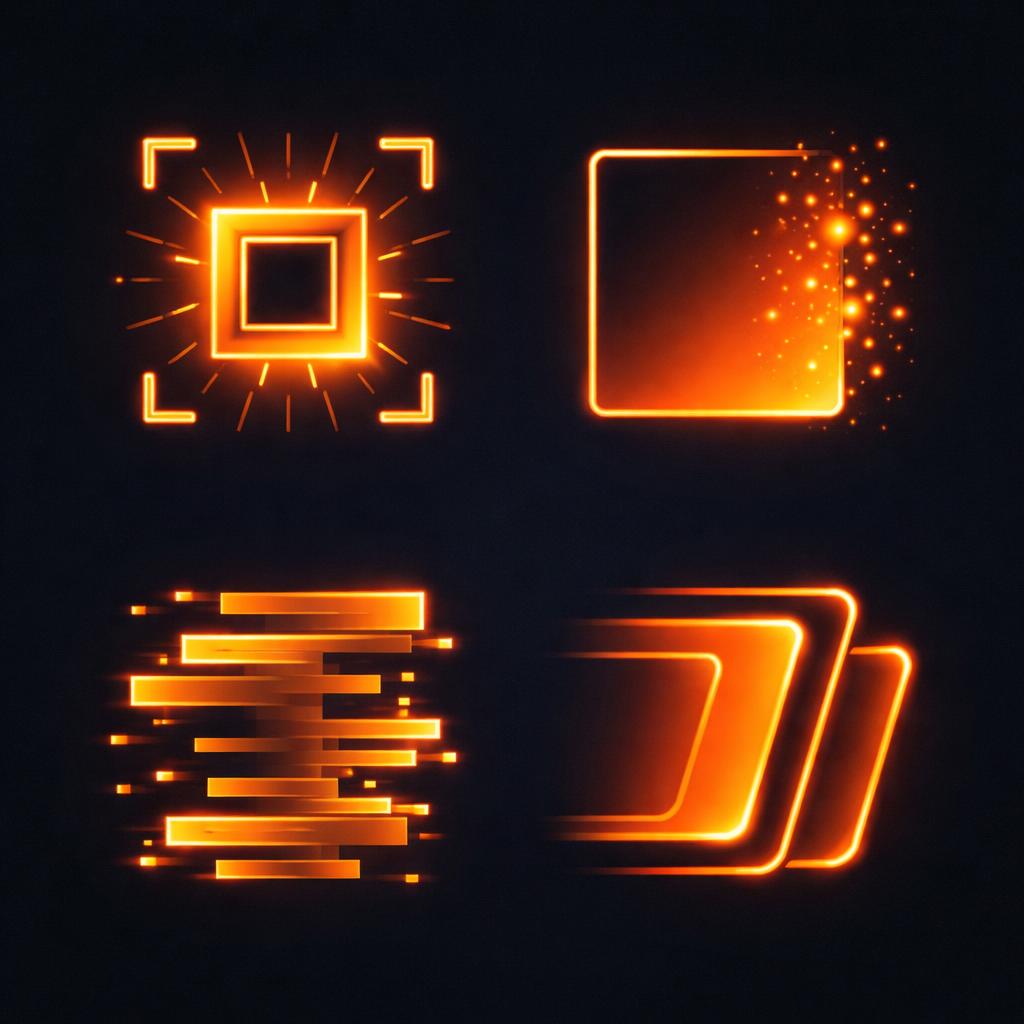
A transition in VideoFlow is defined within the settings object (the second argument) of any layer. You can specify both a transitionIn and a transitionOut independently:
const title = $.addText(
  { text: 'Cinematic Motion', fontSize: 6, color: '#FF5A1F' },
  {
    transitionIn: { transition: 'blurResolve', duration: '800ms' },
    transitionOut: { transition: 'glitchResolve', duration: '500ms' },
  }
);
Presets like blurResolve use a combination of gaussian blur and scale-up to "resolve" the layer into existence, while glitchResolve introduces digital artifacts and RGB splitting for a high-energy exit. Because these are presets, they are resolution-agnostic and work identically across the three official renderers.
Beyond Linear: The Power of Easing
If transitions are how an object enters, easing is the rhythm of that entry. Linear motion—where an object moves at a constant speed from start to finish—is rare in the physical world. It feels robotic and unnatural.
VideoFlow provides five core easing functions that you can apply to any transition or manual animation:
linear: Constant speed (rarely what you want for hero elements).easeIn: Starts slow and accelerates (good for exits).easeOut: Starts fast and decelerates (perfect for entries).easeInOut: Slow start, fast middle, slow end (the gold standard for UI and motion graphics).step: Instant jumps between values (useful for retro or glitch styles).

You can specify the easing directly within the transition spec:
transitionIn: {
  transition: 'slideUp',
  duration: '1s',
  easing: 'easeOut' // Smoothly decelerates as it reaches its final position
}
Animating with Precision
While transition presets handle the entry and exit, you often need to move elements while they are on screen. This is where the .animate() method shines. Every property on a VideoFlow layer is animatable.
const card = $.addShape(
  { width: 40, height: 20, fill: '#111', position: [0.5, 0.5] },
  { shapeType: 'rectangle' }
);

// Animate position and rotation simultaneously
card.animate(
  { position: [0.5, 0.5], rotation: 0 },
  { position: [0.5, 0.3], rotation: 45 },
  { duration: '2s', easing: 'easeInOut' }
);
One of the most powerful features of the VideoFlow builder is the wait parameter. By default, calling .animate() advances the flow timer. If you want to run multiple animations in parallel or keep the flow moving while an animation plays in the background, set wait: false.
The Signed-Progress Contract
Under the hood, VideoFlow uses a unique "signed-progress" contract for its transitions. A transition is essentially a function of a single value p that ranges from -1 to +1.
p = -1: The start of thetransitionIn(layer is hidden).p = 0: The layer is "at rest" (no transformation applied).p = +1: The end of thetransitionOut(layer is hidden again).
This architecture ensures that the same preset can behave as both an entry and an exit, providing perfect symmetry without redundant code. It’s one of the many ways VideoFlow simplifies the complexity of programmatic motion.
Conclusion
Motion isn't just decoration; it's information. It guides the viewer's eye and establishes the tone of your content. By combining the 27 cinematic presets with intentional easing, you can move beyond "automated video" and start building truly professional media pipelines.
Ready to experiment with these presets? Head over to the VideoFlow Playground to see them in action, or check out our comprehensive transitions guide to see the full list of available patterns.
If you're building a video-heavy application, don't forget to star the project on GitHub and join our growing community of developers redefining video as code.