
27 Ways to Switch Scenes: A Guide to Programmatic Video Transitions
May 21, 2026 · By VideoFlowMaster programmatic video transitions with VideoFlow. Learn how to use 27 declarative presets—from glitch effects to 3D tilts—to automate cinematic video creation.
27 Ways to Switch Scenes: A Guide to Programmatic Video Transitions
Transitions are the connective tissue of cinema. In the world of traditional video editing, they are often the most time-consuming part of the process—fiddling with keyframes, adjusting curves, and ensuring that a "slide" doesn't feel like a mechanical jitter. But when you are building a programmatic video pipeline, you don't have time for manual keyframing. You need a declarative way to say: "Make this layer appear with a glitch and disappear with a lens snap."
At VideoFlow, we’ve built a library of 27 transition presets directly into the core engine. These aren't just simple fades; they are high-performance GLSL shaders and motion primitives that work identically across the browser, the server, and your live previews.
In this guide, we’ll explore how to use programmatic video transitions to turn raw data into cinematic content without writing a single manual keyframe.
The Declarative Advantage
In most video-as-code frameworks, creating a transition requires you to calculate the progress of an animation over time and map it to properties like opacity or position. VideoFlow takes a different approach. Because the toolkit is built on a portable JSON schema, transitions are treated as top-level settings.
When you add a layer, you simply define the transitionIn and transitionOut behavior. The VideoFlow builder handles the expansion into the underlying keyframe sequence automatically.
import VideoFlow from '@videoflow/core';

const $ = new VideoFlow({ width: 1920, height: 1080, fps: 30 });

// A text layer that slides up and then dissolves with noise
const title = $.addText(
  {
    text: 'Cinematic Transitions',
    fontSize: 8,
    color: '#FF5A1F',
    fontWeight: 700,
  },
  {
    transitionIn:  { transition: 'slideUp', duration: '800ms', easing: 'easeOut' },
    transitionOut: { transition: 'noiseDissolve', duration: '500ms' },
  }
);

$.wait('3s');
title.remove(); // This triggers the transitionOut
By separating the "what" (the transition type) from the "how" (the frame-by-frame math), your code stays clean and your video automation becomes much easier to maintain.
Exploring the 27 Presets
The VideoFlow library is categorized by the visual language of the motion. Here is a breakdown of the presets available in the current version of @videoflow/core:
1. The Classics: Opacity and Scale
For subtle entries, fade and zoom are your workhorses. If you want more character, overshootPop adds a bouncy elasticity to the entry, while radialZoom creates a sense of depth by scaling from the center.
2. Directional Motion: The Slides
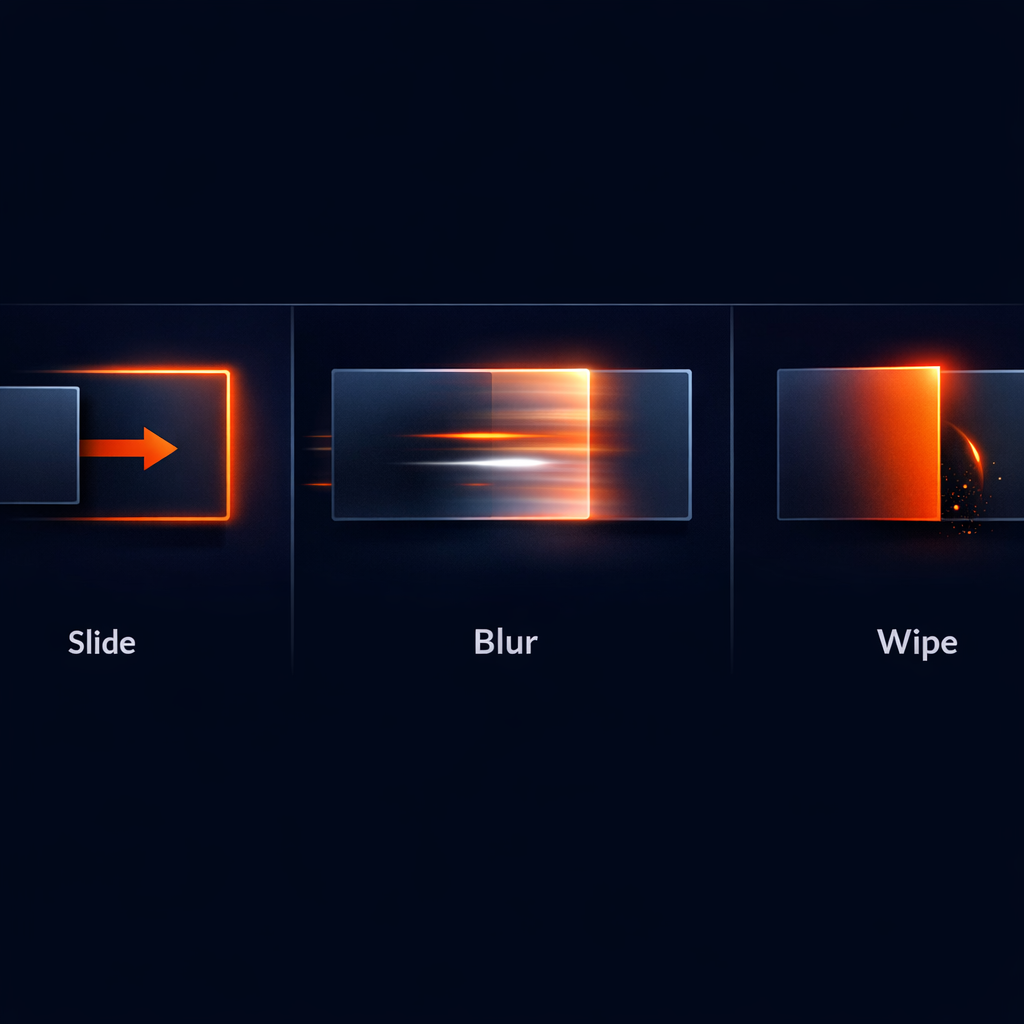
The slideUp, slideDown, slideLeft, and slideRight presets are essential for UI walkthroughs and title cards. Unlike a simple position shift, these are optimized to ensure smooth motion blur when rendered.
3. High-End Optics: Blurs and Wipes
This is where programmatic video starts to look like high-end motion graphics. blurResolve creates a beautiful "unfocusing" effect, while lightSweepReveal and scanReveal use GLSL shaders to wipe the layer into view with a sense of energy.
4. Digital and Glitch
For tech-focused content or AI-generated videos, glitchResolve and rgbSplitSnap provide a modern, "hacker" aesthetic. These presets use synthetic effects to scramble the pixels during the transition window.
5. Text-Specific Motion
Transitions like typewriter, scrambleDecode, and trackingExpand are designed specifically for the addText layer. They animate the characters or letter-spacing in ways that would take hours to animate by hand in After Effects. You can see these in action in our post on cinematic text reveal animations.

Fine-Tuning with Params and Easings
Every transition in VideoFlow is customizable. You aren't stuck with the defaults. By passing a params object, you can tweak the "knobs" of the preset.
For example, the slideUp preset allows you to control the distance, while noiseDissolve lets you set a seed for the randomness. Combined with our easing library, you can change the entire "feel" of the motion.
const card = $.addShape(
  { width: 50, height: 50, fill: '#fff' },
  {
    transitionIn: {
      transition: 'tilt3d',
      duration: '1s',
      easing: 'easeInOut',
      params: { angle: 45 }
    }
  }
);
How VideoFlow Handles the Render
The magic of VideoFlow transitions is that they are resolution-agnostic and renderer-independent. Because they are defined in our VideoJSON schema, you can preview them at 60 FPS in the browser using @videoflow/renderer-dom, and then export them as a high-quality MP4 on your server using @videoflow/renderer-server.
Whether you are building a YouTube Shorts factory or a personalized SaaS recap system, these transitions ensure that your automated output doesn't look "automated." It looks professional.
Start Building
Ready to see these transitions in action? Head over to the VideoFlow Playground to experiment with the presets in real-time. You can also dive into the Transitions Guide in our documentation to see the full list of parameters for every preset.
VideoFlow is open-source (Apache-2.0). Check out the source code and join the community on GitHub.