
Branding at Scale: Programmatic Video Overlays with VideoFlow
September 1, 2026 · By VideoFlowLearn how to automate video branding using programmatic video overlays. Master dynamic watermarks and lower-thirds with VideoFlow's portable JSON schema.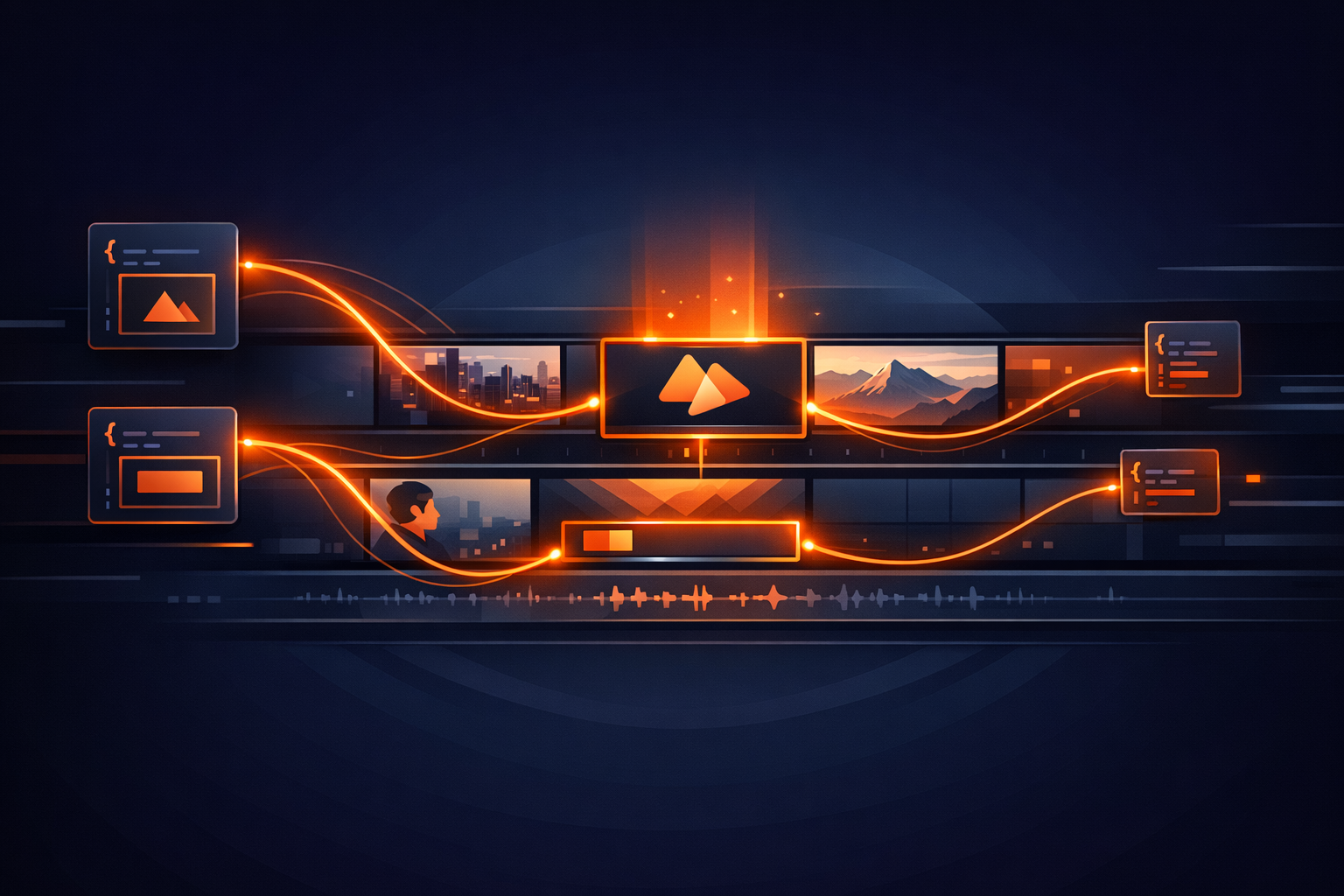
Branding at Scale: Programmatic Video Overlays with VideoFlow
Scaling video production often breaks at the branding stage. Whether you are building an automated social media factory or a personalized SaaS recap tool, manually applying watermarks and lower-thirds to hundreds of assets is a bottleneck that doesn't scale.
In this guide, we’ll explore how to use programmatic video overlays to automate your branding workflow. By treating your video assets as code, you can dynamically inject logos, dynamic text, and cinematic graphics into any video stream with frame-perfect precision.
The Overlay Stack: Images and Shapes
The foundation of any branding strategy is the watermark. In VideoFlow, adding a persistent logo is as simple as layering an image on top of your video source. Because VideoFlow uses a normalized coordinate system (0 to 1), your overlays will stay in the correct relative position regardless of whether you are rendering for TikTok (9:16) or YouTube (16:9).
import VideoFlow from '@videoflow/core';

const $ = new VideoFlow({ width: 1920, height: 1080, fps: 30 });

// Add the background video
$.addVideo({ fit: 'cover' }, { source: 'https://assets.example.com/raw-footage.mp4' });

// Add a persistent watermark in the top-right corner
const logo = $.addImage(
  {
    position: [0.92, 0.08], // 92% right, 8% from top
    scale: 0.15,
    opacity: 0.7,
  },
  { source: 'https://assets.example.com/brand-logo.png' }
);

// Optional: Give it a subtle entrance
logo.fadeIn('1s');
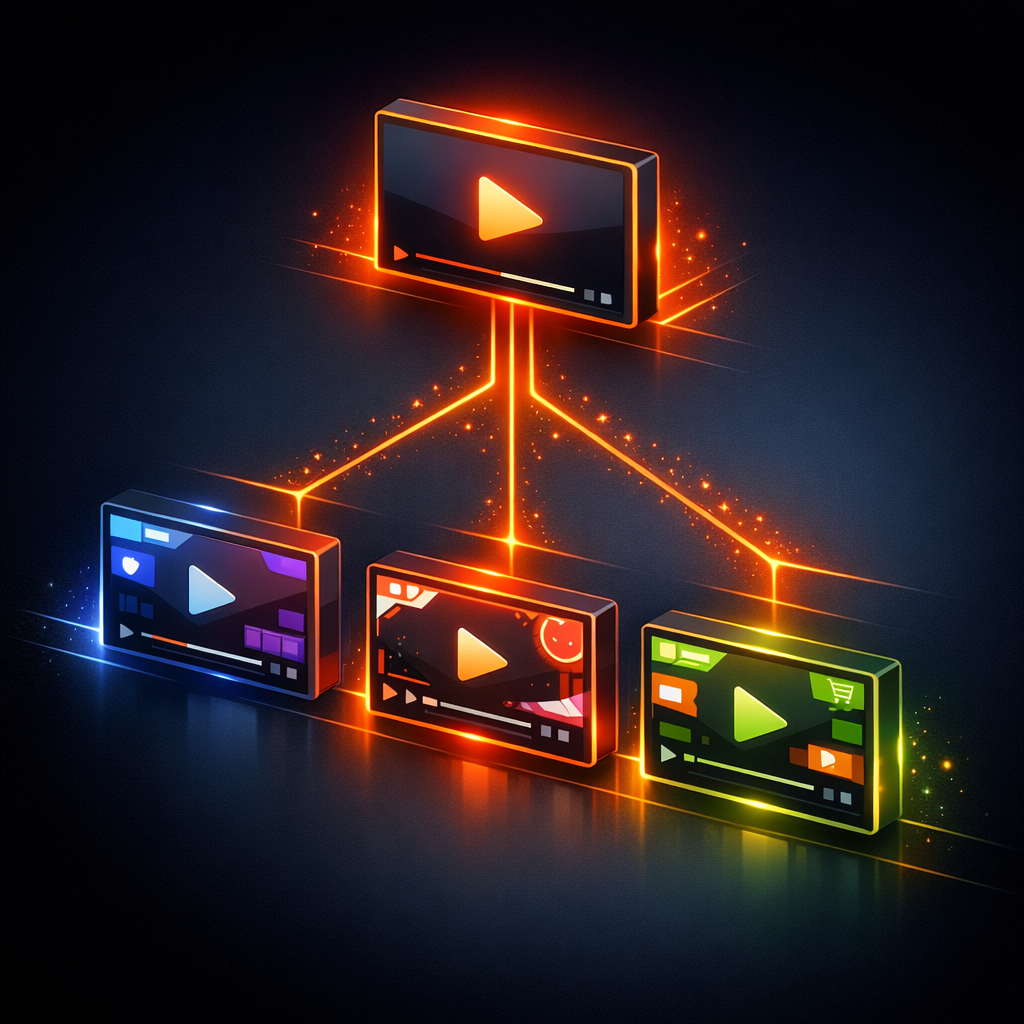
For more complex branding, like "Live" badges or progress bars, you can use $.addShape. The ShapeLayer provides vector primitives like rectangles and circles that render sharply at any resolution.
Dynamic Lower Thirds with Groups
Static watermarks are just the start. High-quality video production requires dynamic lower-thirds—those informative text overlays that introduce a speaker or a location. In VideoFlow, we handle these using the GroupLayer.
Groups allow you to bundle multiple layers (like a background shape and a name tag) into a single unit. This makes it easy to apply a single transition to the entire branded component.
$.group(
  { position: [0.5, 0.85] }, // Centered at the bottom
  {
    transitionIn: { transition: 'slideUp', duration: '600ms' },
    transitionOut: { transition: 'fade', duration: '400ms' },
  },
  () => {
    // Background pill
    $.addShape(
      {
        width: 40, height: 8,
        fill: '#FF5A1F', // VideoFlow Orange
        cornerRadius: 4,
      },
      { shapeType: 'rectangle' }
    );

    // Dynamic Text
    $.addText({
      text: 'JANE DOE',
      fontSize: 2.5,
      fontWeight: 700,
      color: '#ffffff',
      position: [0.5, 0.5],
    });

    $.wait('4s');
  }
);
By wrapping this logic in a function, you can create a reusable TypeScript template that generates branded videos for your entire team. This "Video-as-Code" approach is far more resilient than chaining FFmpeg shell scripts or managing hundreds of After Effects project files.
Automating the Workflow
Once your template is defined, the final step is rendering. Because VideoFlow is open-source and portable, you can render your branded videos wherever your data lives.
- In the Browser: Use @videoflow/renderer-browser to let users export branded clips directly from their dashboard using WebCodecs.
- On the Server: Use @videoflow/renderer-server in a Node.js environment to batch-process thousands of videos in a headless Chromium instance.

For more advanced styling, you can even stack GLSL effects like glow or vignette on your branding layers to give them a premium, cinematic feel. If you're coming from other tools, check out our guide on Mastering GLSL Effects in VideoFlow for a deeper dive.
Why VideoFlow for Branding?
VideoFlow is designed for developers who need to automate visual content without sacrificing quality. While tools like Remotion are powerful, VideoFlow’s Apache-2.0 core and portable VideoJSON schema make it the ideal choice for building scalable, vendor-agnostic video pipelines.
- Resolution Agnostic: Author once in
emunits; render in 4K or 720p without changing a line of code. - Cinematic Primitives: 27 transitions and 42 effects ship out of the box.
- No FFmpeg Required: The official renderers use modern browser APIs (WebCodecs) for faster, more reliable encoding.
Ready to build your own video factory? Head over to the Playground to experiment with overlays in real-time, or dive into the Getting Started guide to install the core toolkit.